
Rajasthan Board Class 12 Results Released: How to Check Easily
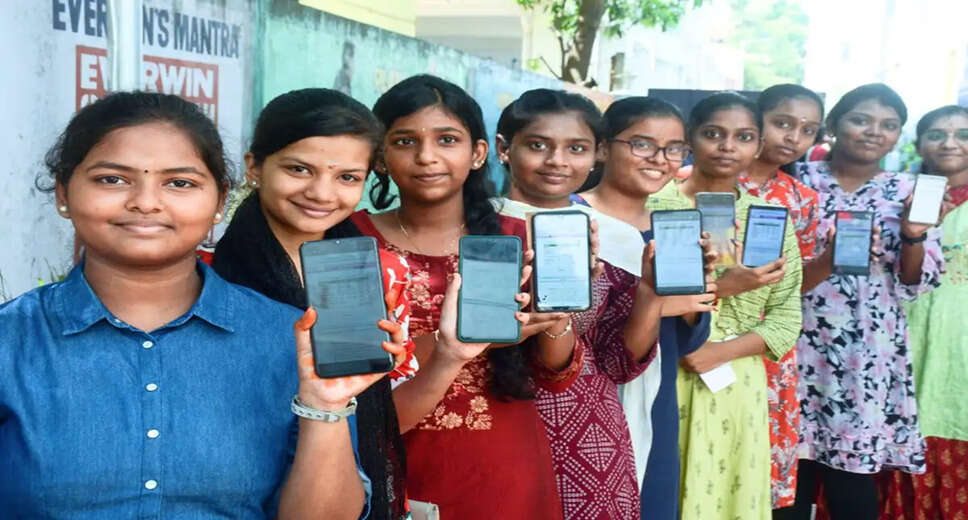
Rajasthan Board Class 12 Results Announcement
The Rajasthan Board of Secondary Education (RBSE) has announced the Class 12 results at 10:00 AM today. Results for all three streams—Arts, Science, and Commerce—were released simultaneously. More than 900,000 students participated in the examination, leading to a surge in website traffic that caused the site to crash, leaving many students and parents waiting for hours to access their results.
Alternative Methods to Check Results
To assist students and parents in checking results, several methods are available, even without internet access.
Check Results Without Internet Using a Keypad Phone
For those without smartphones, results can be checked using a basic keypad phone. Simply send a message with the format "RJ12 [Roll Number]" to 5676750.
Utilize DigiLocker
If the official website is down, students can also access their scores through the DigiLocker app or its official website.
Results Available on the UMANG App
Similar to last year, the Rajasthan Board Class 12 results are also available on the UMANG app. If the website crashes, download the UMANG app from the Play Store to check your results by stream.
Steps to Check Results via the Website
If the Rajasthan Board's official website is operational, follow these steps to check your results:
1. Visit the official website: rajeduboard.rajasthan.gov.in.
2. Click on the link for Class 12 Results on the homepage.
3. Enter your Roll Number and click 'Submit'.
4. Your result will be displayed on the screen; ensure to download or save a digital copy for future reference.