
CBSE Class 12 Results 2026 Expected Today: How to Access Your Scorecard
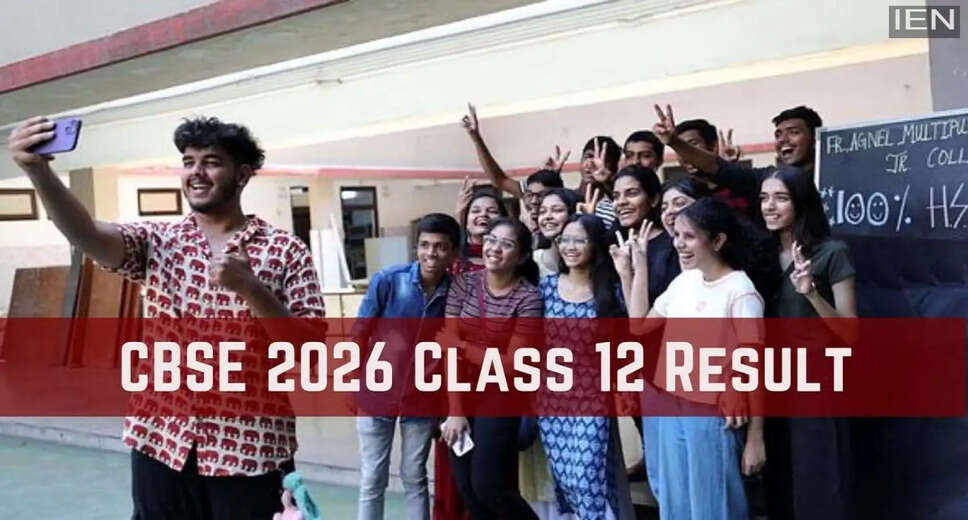
CBSE Class 12 Results Announcement
New Delhi: The Central Board of Secondary Education (CBSE) is anticipated to announce the Class 12 results for 2026 today, May 12. Sources indicate that the results link may become active on the official websites after 3:00 PM. However, an official confirmation from the Board is still pending. Once available, students can check their results on the official CBSE websites: cbse.gov.in and results.cbse.nic.in. Additionally, results will also be accessible via DigiLocker and the UMANG app.
Steps to Download CBSE Class 12 Results 2026
How to Download the CBSE Class 12 Results?
Students can obtain their scorecard PDF by following these steps:
1. Visit the official websites: cbse.gov.in or results.cbse.nic.in
2. Click on the 'CBSE Class 12 Scorecard PDF' link
3. Enter your login details:
- Registration Number
- Roll Number / Date of Birth
4. The CBSE Class 12 Scorecard PDF will be displayed on the screen
5. Download it and print a copy.
Checking Results via indiaresults.com
How to Check CBSE Class 12 Results via indiaresults.com?
1. Click on the 'CBSE Class 12 Result' link on indiaresults.com
2. Enter your login details: Registration Number / Mobile Number
3. Your CBSE Class 12 Scorecard PDF will appear on the screen
4. Download it and print a copy.
Accessing Results through DigiLocker
How to Download the CBSE Class 12 Marksheet via DigiLocker?
1. Enter the 6-digit access code provided by your school, your school code, and your Class 12 roll number on DigiLocker
2. Verify your mobile number using the OTP
3. Log in using your mobile number, email ID, and password
4. Search for the 'CBSE Class 12 Marksheet PDF'
5. Download it and print a copy.
Using the UMANG App for Results
How to Check CBSE Class 12 Results via the UMANG App?
1. Download the UMANG app from the Google Play Store.
2. Enter your login details (Registration Number / Mobile Number).
3. Select the CBSE 12th Marksheet PDF link.
4. The marksheet will be displayed on the screen.
5. Download it and print a copy.
Checking Results via SMS
How to Check CBSE 12th Results 2026 via SMS?
Students can also receive their results through SMS. To do this, send an SMS to 7738299899 in the following format: CBSE12 -rollno - sch no - center no.
Official Websites for Results
Students Should Rely Only on Official Websites
Once the CBSE Class 12 results are published, students can check them on the official websites—cbse.gov.in and results.cbse.nic.in—as well as through DigiLocker, the UMANG app, and indiaresults.com. It is recommended that students rely exclusively on official websites for the most accurate updates regarding the results.