
CBSE Class 10 Results 2026 Expected Release Date and How to Check
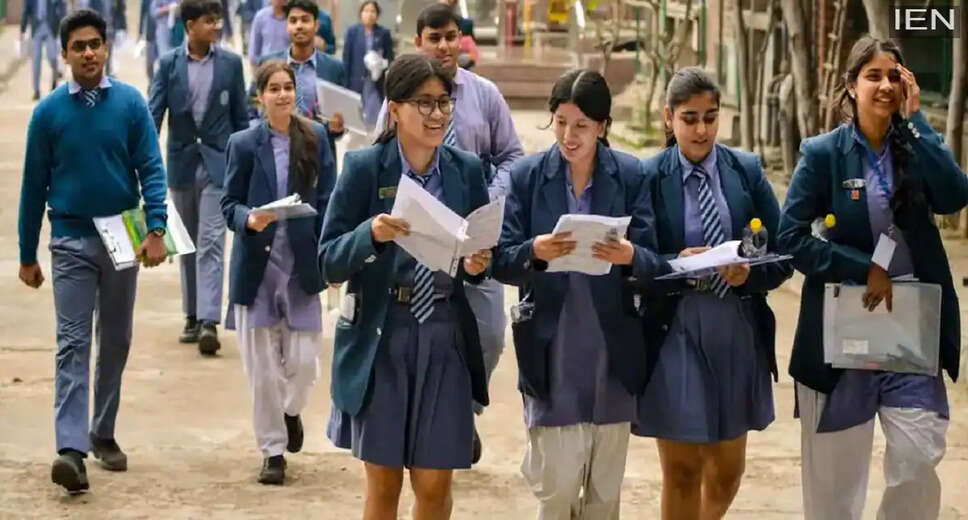
CBSE Class 10 Results Announcement
Exciting news is on the horizon for countless students nationwide as the Central Board of Secondary Education (CBSE) is anticipated to announce the Class 10 results shortly. According to various reports and sources affiliated with the Board, the results are expected to be released around April 14, 2026.
In contrast, students in Class 12 may face a longer wait, as their examinations are still ongoing, concluding on April 10, 2026.
Traditionally, CBSE has unveiled the results for both Class 10 and Class 12 simultaneously. However, this year presents a unique scenario where Class 10 exams have already wrapped up, while Class 12 exams are still in progress. This difference in timelines means that the evaluation of answer sheets will take longer, allowing the Board to prioritize the release of Class 10 results first. This approach will help students plan their future academic endeavors effectively.
To check the CBSE Class 10 results, follow these steps:
Steps to Check CBSE Class 10 Results 2026 Online
1. Navigate to the official CBSE website: cbse.gov.in.
2. Click on the link labeled 'CBSE 10th Result 2026.'
3. Enter your Roll Number, Date of Birth, School Number, and any other required information.
4. After filling in the details accurately, click the 'Submit' button.
5. Your result will be displayed on the screen. Download it for future reference.
Downloading Your Marksheet via DigiLocker
1. Access your digital marksheet through DigiLocker.
2. Open the DigiLocker website or app.
3. Enter your 6-digit access code, roll number, and school code.
4. Verify your mobile number using the OTP sent to you.
5. Once verified, go to the 'Issued Documents' section to download your CBSE Class 10 marksheet.
Checking Results Without Internet Access
If you lack internet access, you can still retrieve your results via SMS. Simply type 'cbse10', followed by your roll number, school number, and center number in your message box, and send it to 7738299899. Your result will be sent to your mobile phone shortly.