
Viksit Bharat Buildathon 2025: Participation Certificates Now Available
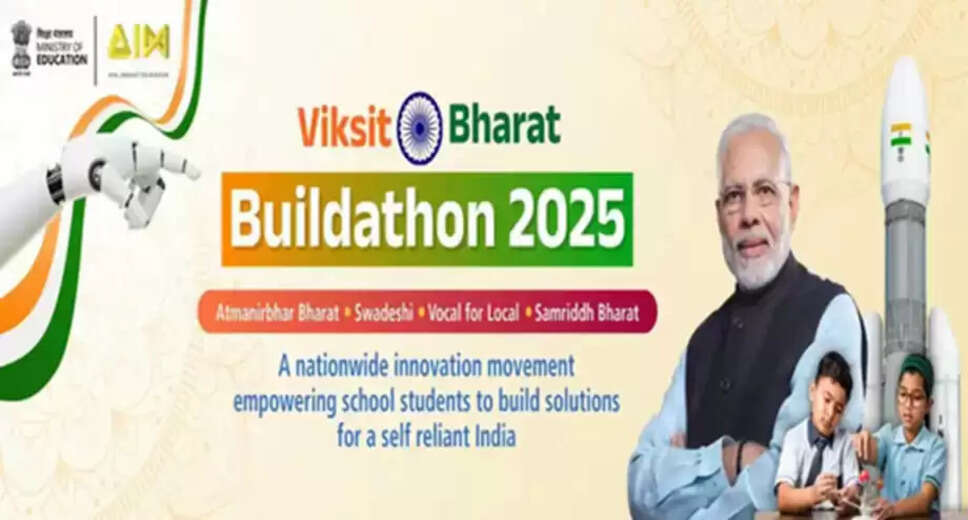
Participation Certificates for Viksit Bharat Buildathon
Certificates Issued by the Ministry of Education: The Ministry of Education has released participation certificates for individuals who took part in the Viksit Bharat Buildathon 2025. Participants can access and download their certificates from the official website vbb.mic.gov.in.
Overview of the Event
Event Date:
The Viksit Bharat Buildathon 2025 took place on October 13, 2025. This initiative was organized by the Department of School Education and Literacy in partnership with Atal Innovation Mission (AIM), NITI Aayog, and AICTE. The event attracted participation from over 5 crore students across more than 3 lakh secondary and senior secondary schools throughout India.
This nationwide campaign aimed to encourage creativity and innovation among students in grades 6 to 12, offering prizes totaling up to ₹1 crore.
Participating teams were required to select a theme and identify a related problem. They then created a video lasting between 2 to 5 minutes that showcased the problem, their proposed solution or prototype, its functionality, and its potential impact.
Steps to Download Your Certificate
Follow these steps to download your certificate:
1. Visit the official Viksit Bharat Buildathon website.
2. Click on the Login option and select your state.
3. Enter your login credentials.
4. Navigate to the dashboard.
5. Look for the option to download your certificate.
6. Click the download button to save your certificate.
Disclaimer
This content has been adapted from a source. While modifications have been made for clarity, the original content is owned by its respective authors and website. We do not claim ownership of the original material.