
CBSE Class 10 Second Board Results Expected Soon
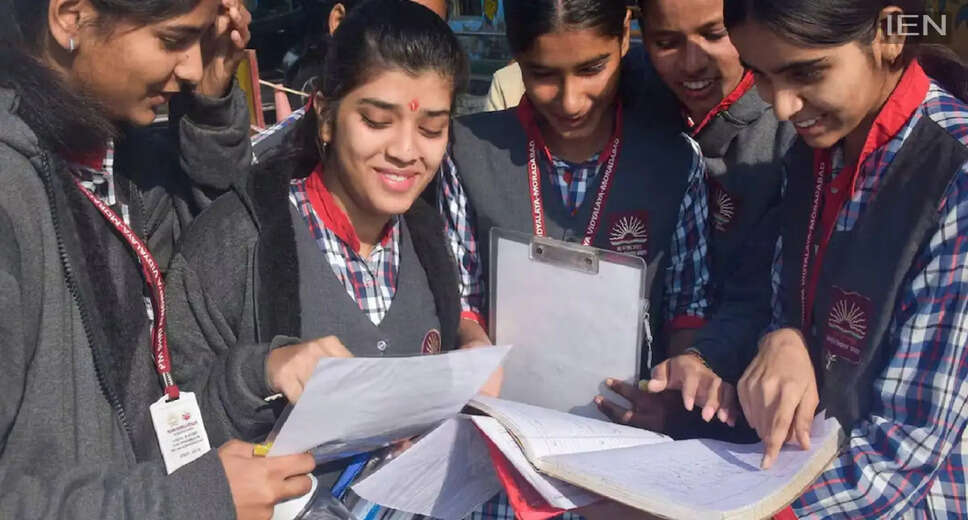
Anticipation for CBSE Class 10 Results
The Central Board of Secondary Education (CBSE) is likely to announce the results for the Class 10 second board examination shortly. While an exact release time has not been specified, students should prepare their login details and monitor the official website closely.
A significant number of students are eagerly awaiting their results after taking the second board exam, which took place from May 15 to May 21. This examination was part of the 'two-board-exam system' introduced under the National Education Policy (NEP) 2020, allowing candidates to improve their scores from the first board exam or to take compartment subjects.
Where to Check Your Results
Once the results are published, students can access them through the official CBSE websites: cbseresults.nic.in, results.cbse.nic.in, and cbse.gov.in. Digital marksheets will also be available via DigiLocker and the UMANG app. For those experiencing difficulties due to high traffic on the websites, alternative options such as SMS, IVRS, and the CBSE mobile app can be utilized.
Steps to Download the CBSE Class 10 Second Board Result
To check the results, follow these steps:
1. Visit the official CBSE website: cbseresults.nic.in.
2. Click on the link for 'CBSE Class 10 Second Board Result.'
3. Enter your roll number, school number, admit card ID, and date of birth (if required).
4. After submitting the details, your result will be displayed on the screen. You can download your provisional marksheet and print it if needed.
Downloading the Digital Marksheet from DigiLocker
Students can access their marksheets by logging into the DigiLocker app or website. They will need to input the 6-digit security PIN provided by their school, along with their roll number and other required information. After logging in, navigate to the 'Issued Documents' section, select the CBSE Class 10 marksheet (2026), and download it. This digital marksheet is officially valid.
Verification of Marksheet Details
After downloading the results, students should verify the following details on their marksheet:
1. Name
2. Roll number
3. Parents' names
4. School name
5. Subject-wise marks
6. Total marks
7. Pass/fail status
If any discrepancies are found, students should contact their school immediately.
Re-evaluation Process
Students who are dissatisfied with their marks have the option to apply for re-evaluation as per the board's guidelines. They must first obtain a photocopy of their evaluated answer sheet. After reviewing it, they can submit a re-evaluation application within the designated timeframe.