
UP Board Class 10 and 12 Results to be Announced on April 23
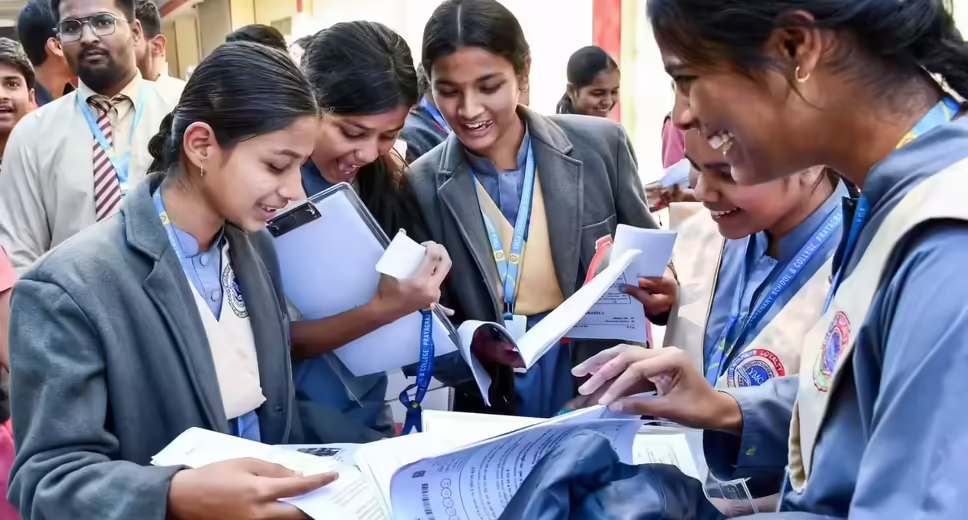
UP Board Results Announcement
The Uttar Pradesh Madhyamik Shiksha Parishad (UPMSP) is set to release the results for Class 10 and 12 on April 23 at 4:00 PM. Students who participated in the exams can check their results on the official websites—upmsp.edu.in and upresults.nic.in—after the announcement. To access their results, students will need to enter their login credentials, including their roll number.
Awaiting Results for 5.3 Million Students
Considered one of the largest examination boards in Asia, the UP Board will announce the results for Class 10 and 12 tomorrow at 4:00 PM from its headquarters. This year, the board conducted examinations from February 18 to March 12, completing them within just 15 working days. A total of 5,337,778 students appeared for the exams, with 2,761,696 students for the High School (Class 10) exams and 2,576,082 students for the Intermediate (Class 12) exams. Additionally, the board implemented strict measures to ensure that the examinations were free from cheating, fair, and transparent, establishing 8,033 examination centers across the state.
How to Check UP Board Class 10 and 12 Results 2026
Once the UP Board Class 10 and 12 results are released, students can easily view their results online. To facilitate this process, the board has provided multiple official websites for students to check their results without any hassle. The following websites can be used to access the results:
– upmsp.edu.in
– upresults.nic.in
– results.upmsp.edu.in
– results.digilocker.gov.in
Step-by-Step Guide to Access UP Board Results 2026
1. Visit the official website: upmsp.edu.in.
2. On the homepage, look for the link for Class 10 (High School) and Class 12 (Intermediate) Results 2026 and click on it.
3. A new page will open where you need to enter your roll number. After entering your roll number, click the 'Submit' button.
4. Once submitted, your result will be displayed on the screen.
5. Review your mark sheet carefully; download it and print it for future reference.