
CBSE Releases 2026 Admit Cards for Class 10 and 12 Examinations
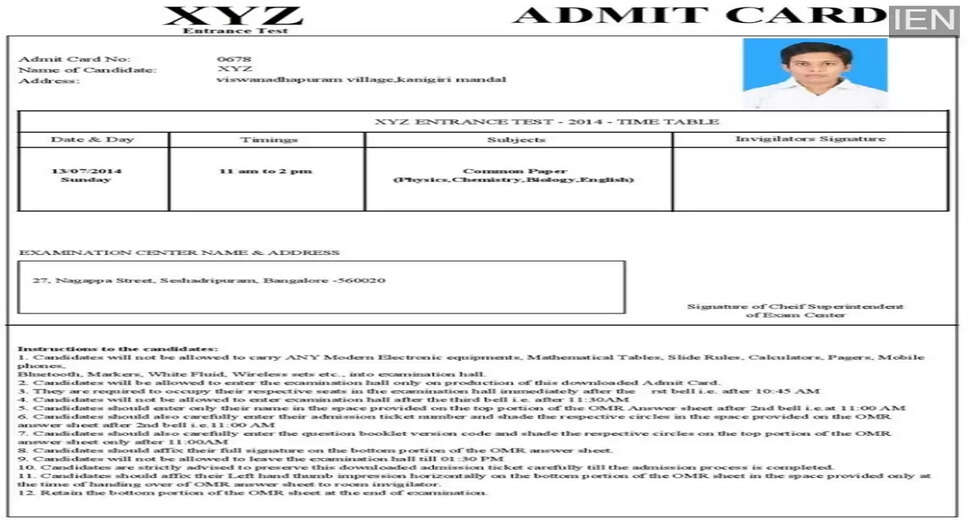
CBSE Admit Card 2026 Announcement
The Central Board of Secondary Education (CBSE) has officially issued the admit cards for the Class 10 and Class 12 board exams scheduled for 2026. This is crucial information for students preparing to take these examinations. For complete details on how to obtain the admit card, continue reading.
The admit cards have been made available for both regular and private candidates, with the examinations commencing on February 17, 2026. The Class 12 board exams will run from February 17 to April 9.
School's Role in Admit Card Distribution
It is important to note that students cannot download their admit cards directly. Instead, they must collect them from their respective schools. CBSE has emphasized that schools are responsible for downloading and distributing the admit cards. Schools are advised to verify all information before handing them out to students.
Key Information on the CBSE Admit Card
Details included on the CBSE Admit Card:
- Full name of the candidate
- Roll number
- School number
- Center number
- Subject names and codes for the exams
- Exam dates and times for each subject
- Complete address of the examination center
- Candidate's photograph
Important Examination Instructions
Steps to Download the CBSE Admit Card:
- Visit the official CBSE website.
- Navigate to the Exam Sangam section on the homepage.
- Select the admit card link for Class 10 or Class 12.
- Log in using your User ID and Password.
- Your admit card will be displayed on the screen.
- Download it and print a copy for your records.